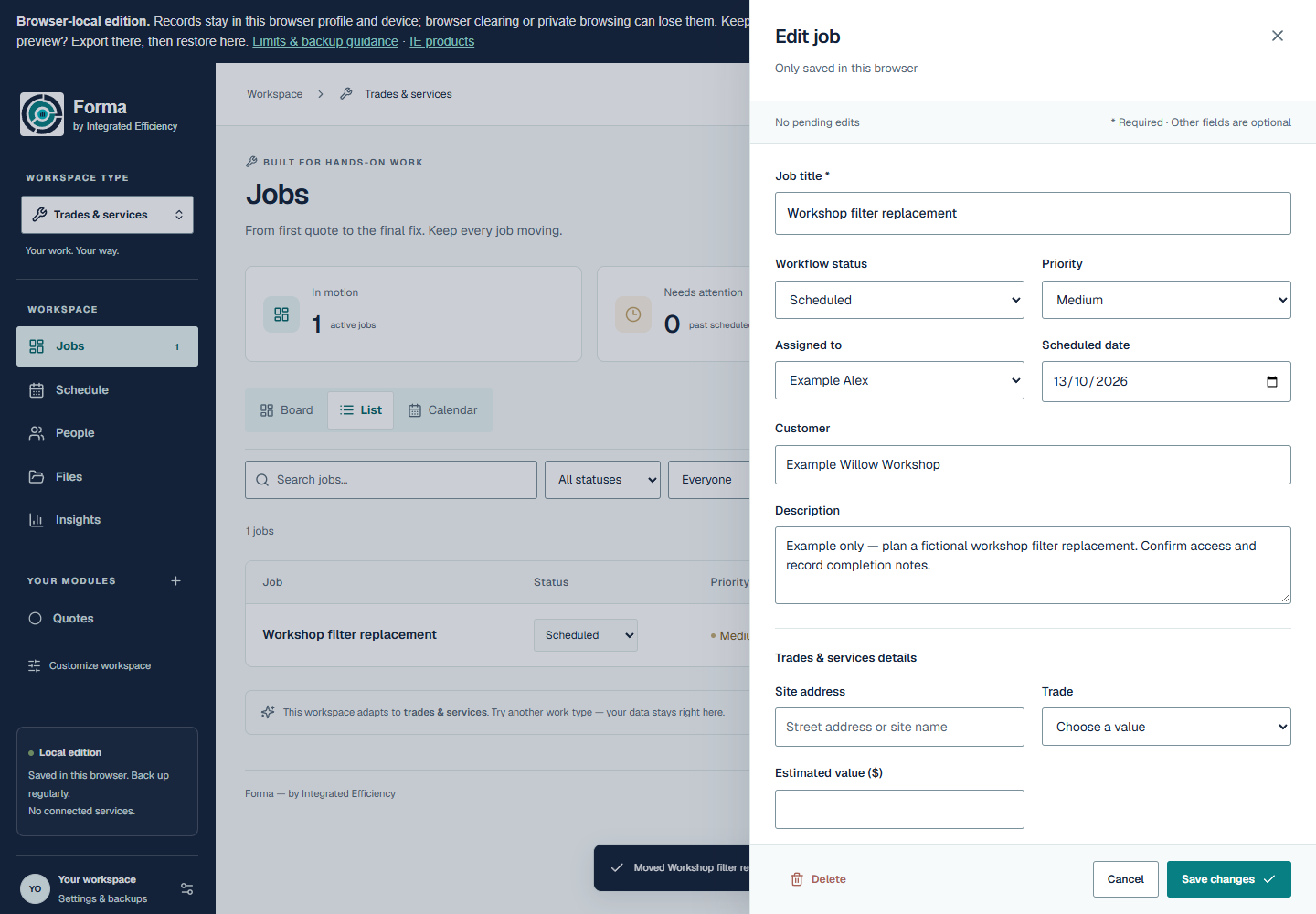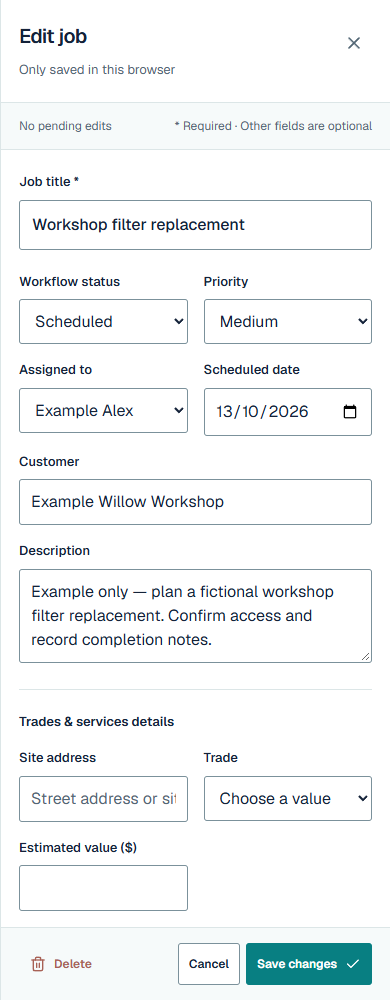
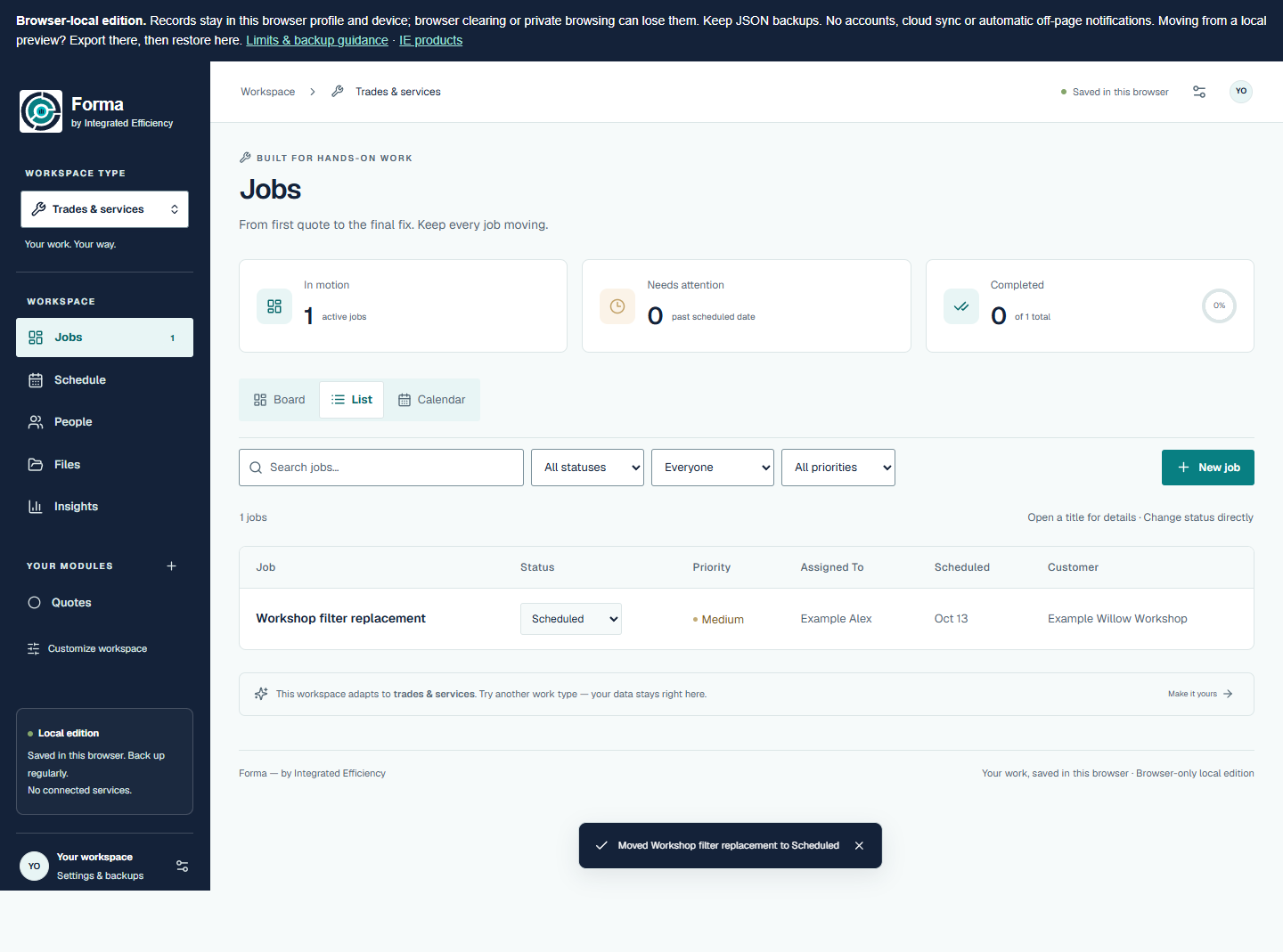
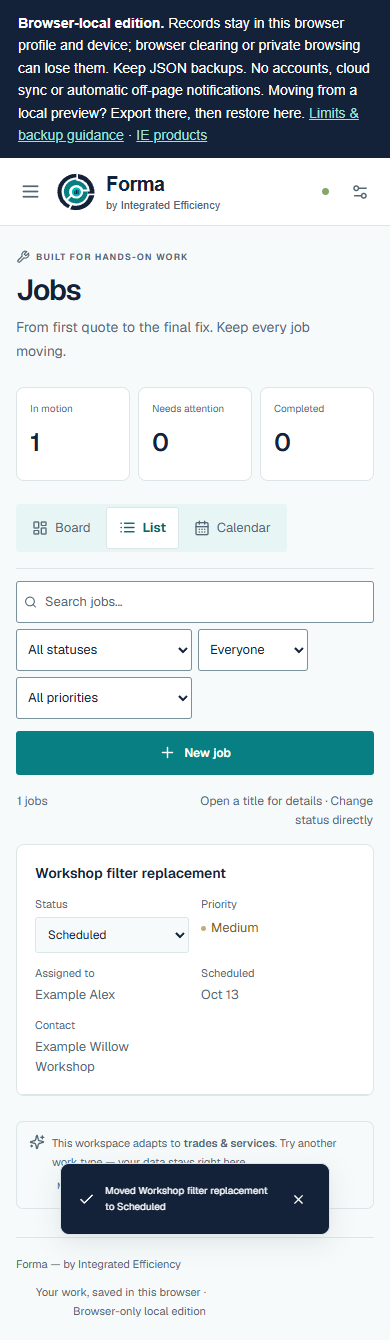
The working List view
Actual List after the direct status change to Scheduled. The mobile app uses labelled rows rather than a squeezed desktop table.
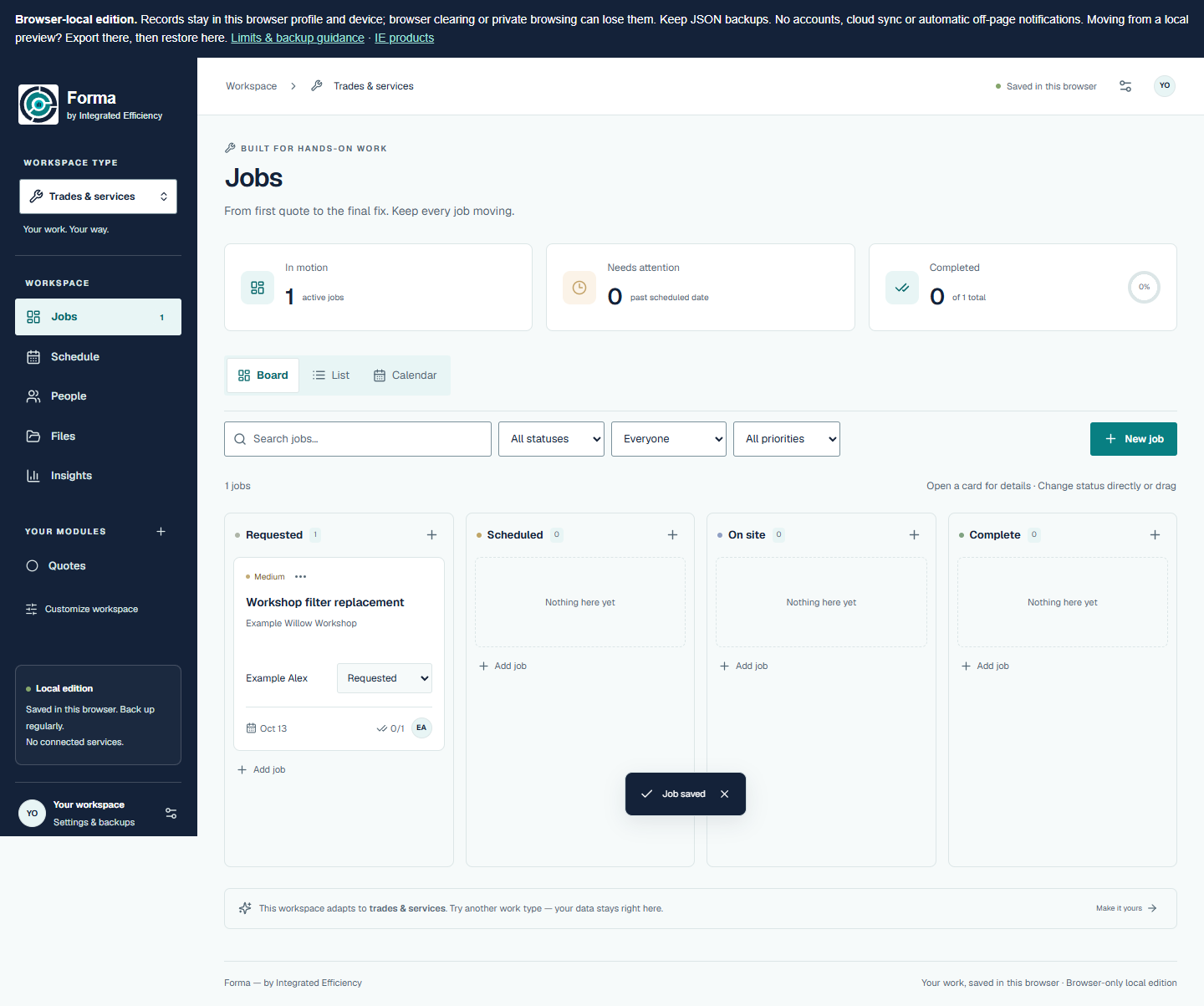
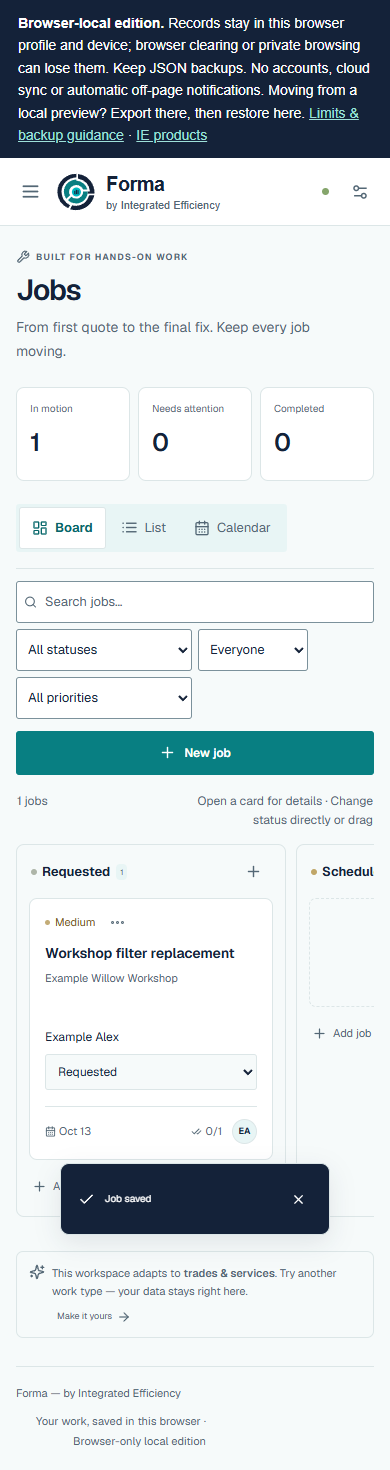
Board — before the change
The same job in Requested, before the manual status change.
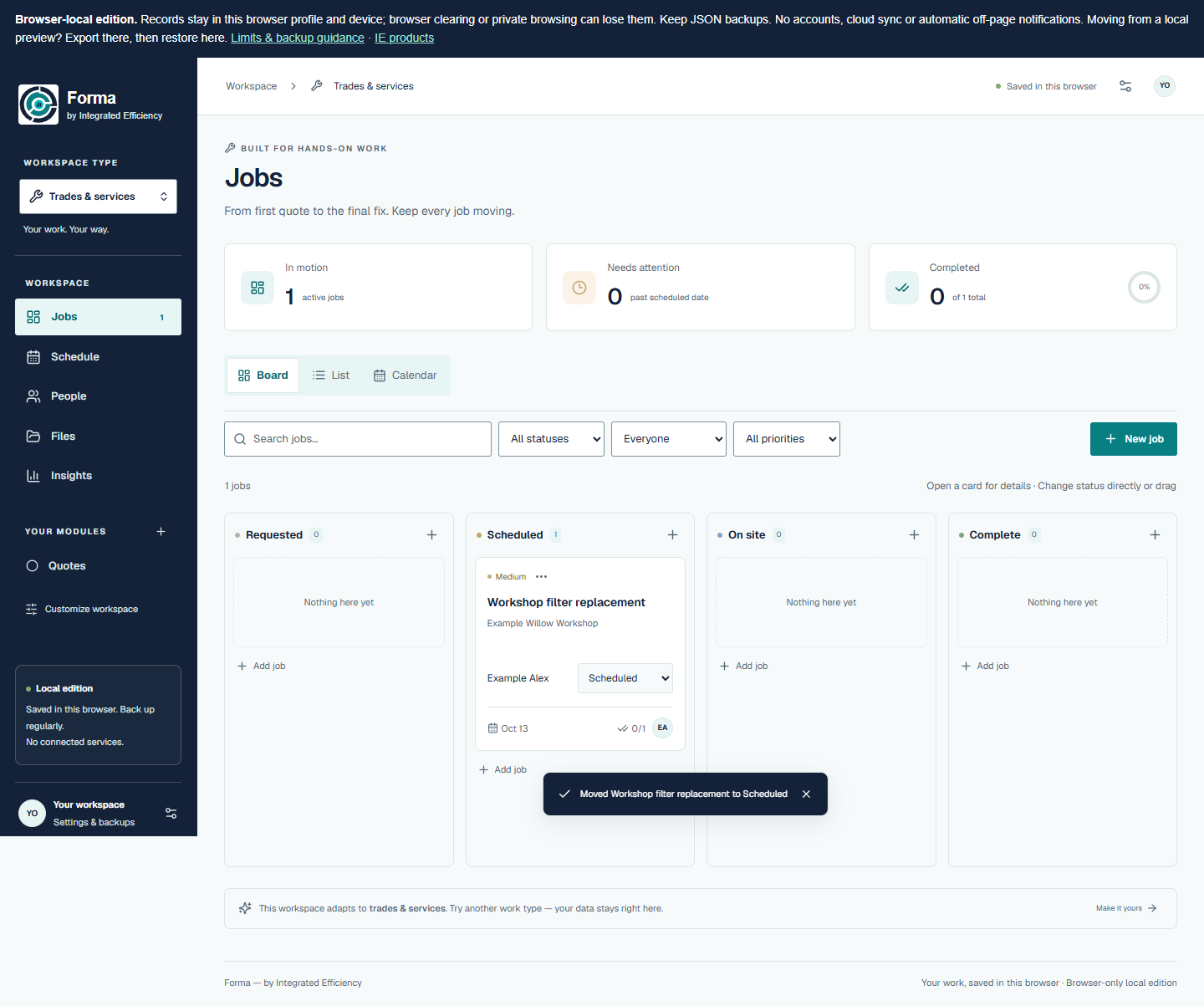
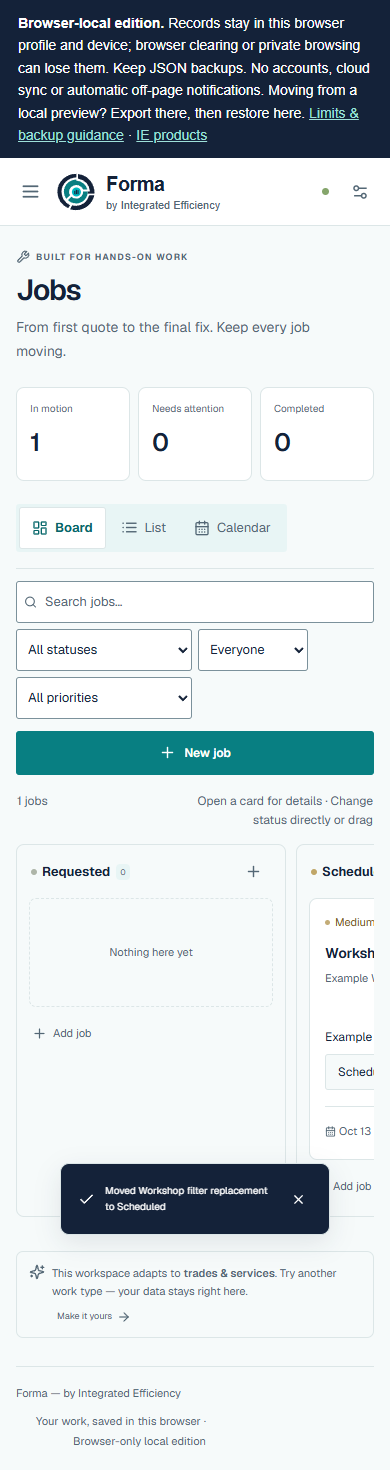
Board — after the change
The same job in Scheduled. Board columns scroll on mobile; List is the compact alternative.
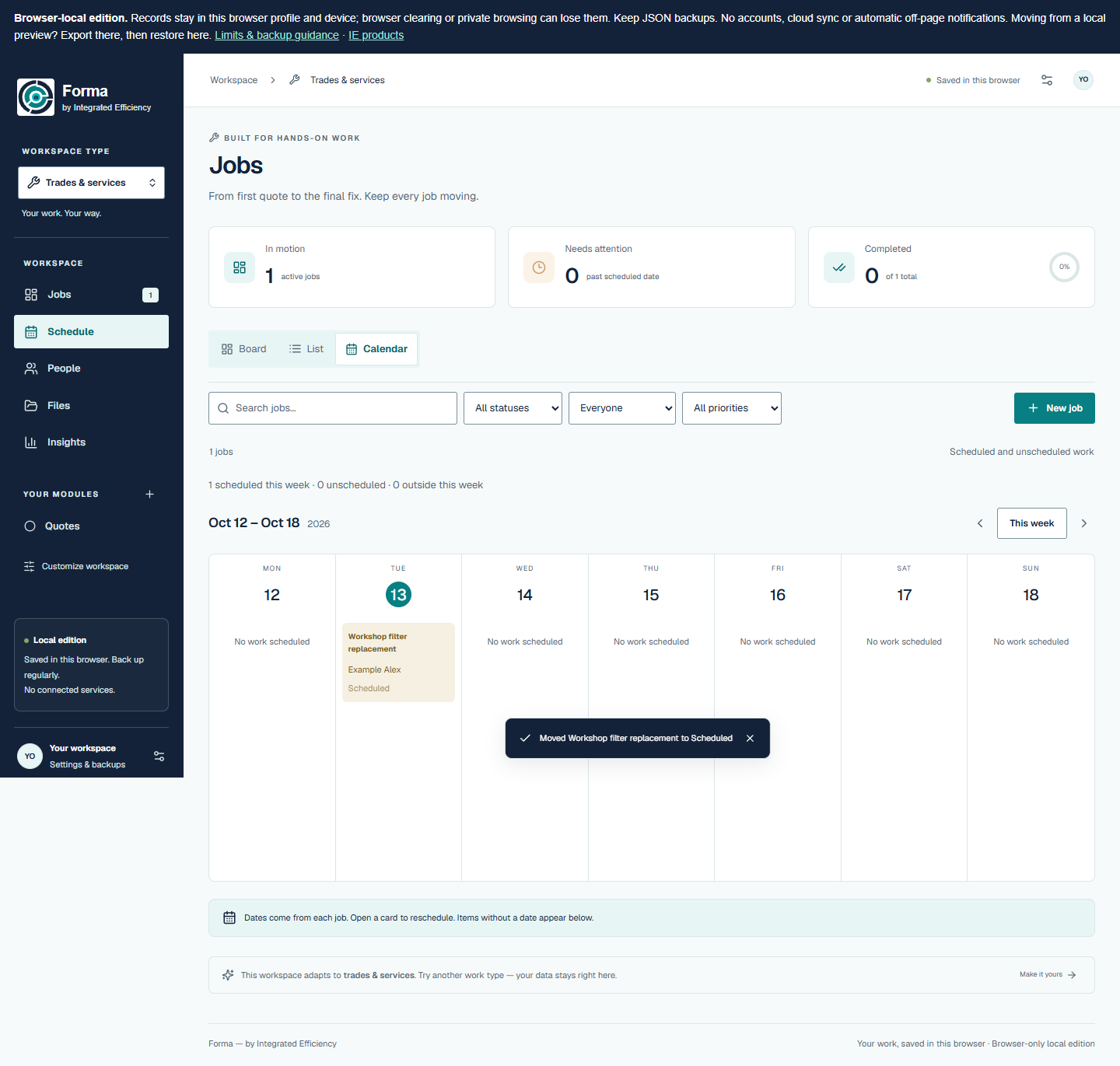
Calendar
The same recorded date in the app’s actual Calendar. No automatic scheduling or route optimisation is implied.

Job details
Actual contextual editor, showing the same customer, date, assignment and user-defined checklist. No account invitation was sent.