
Service Ledger by Integrated EfficiencyBack to Products
Example only · fictional data in genuine application outputRead-only website presentation. It cannot create or change your records. The application screens and exported output have not been redesigned.

Service Ledger 1.1.0 · Actual screens + native CSV

From an asset record to its next service.

A fictional customer, site and extraction unit are created through the actual app. A completed service is recorded with observations and an explicitly reviewed next date. The same asset then appears in History and the built-in customer Summary. Screens retain the app’s original styling and controls.

Customer → site → asset → record service → history and native CSV

The asset register

Actual register after recording service: last service and next planned date are visible. Service, warranty and contract dates remain separate.
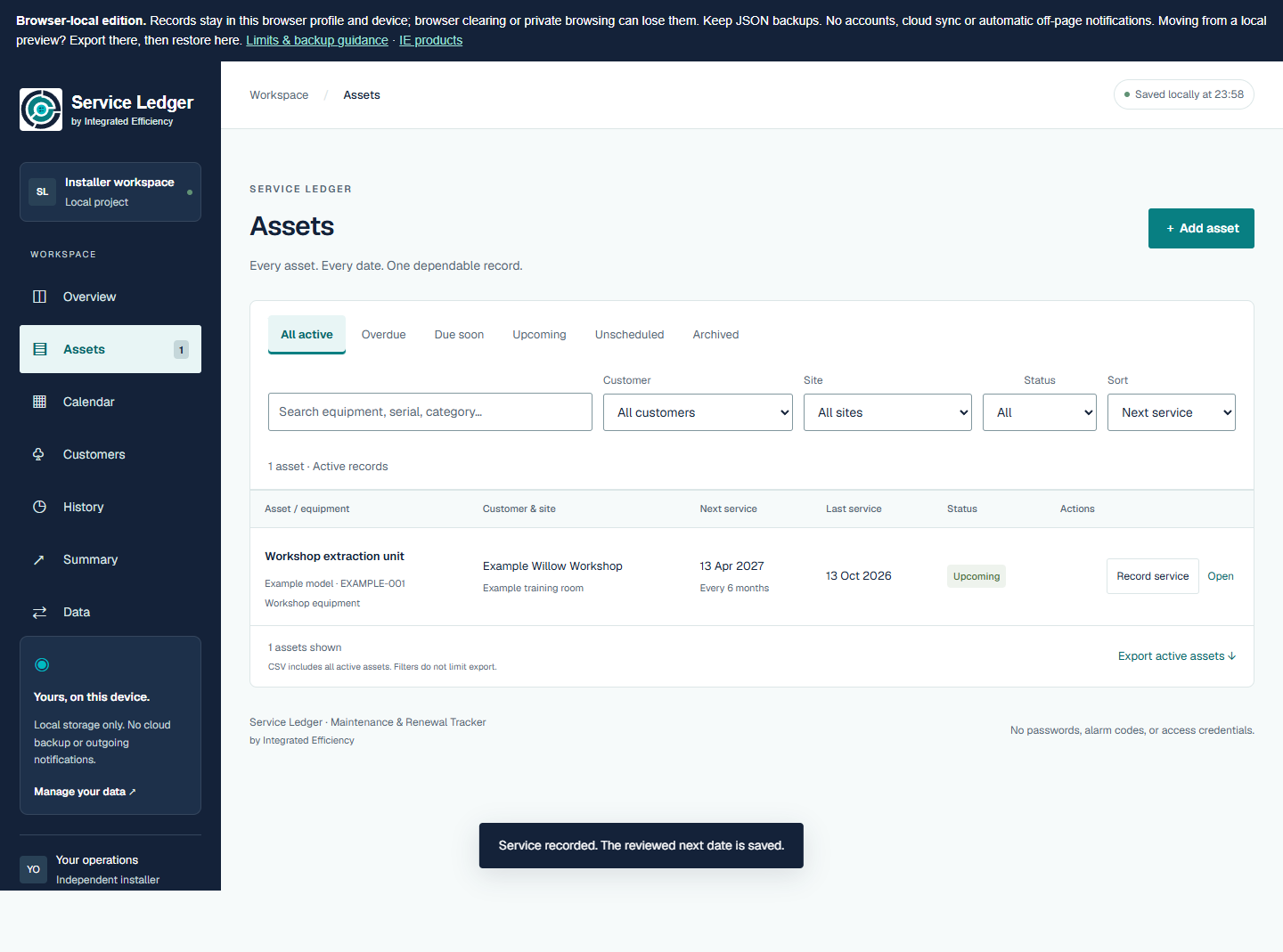
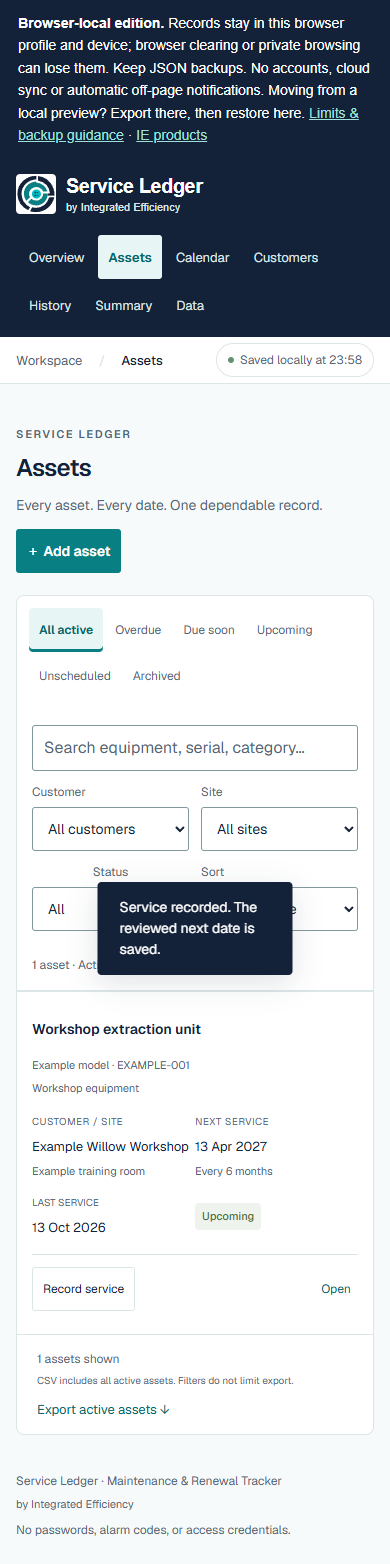
The asset register — actual application output with fictional data

Review the service entry

Actual service form. Completion date plus the chosen six-month interval proposes the next date; the user explicitly reviews it before saving.
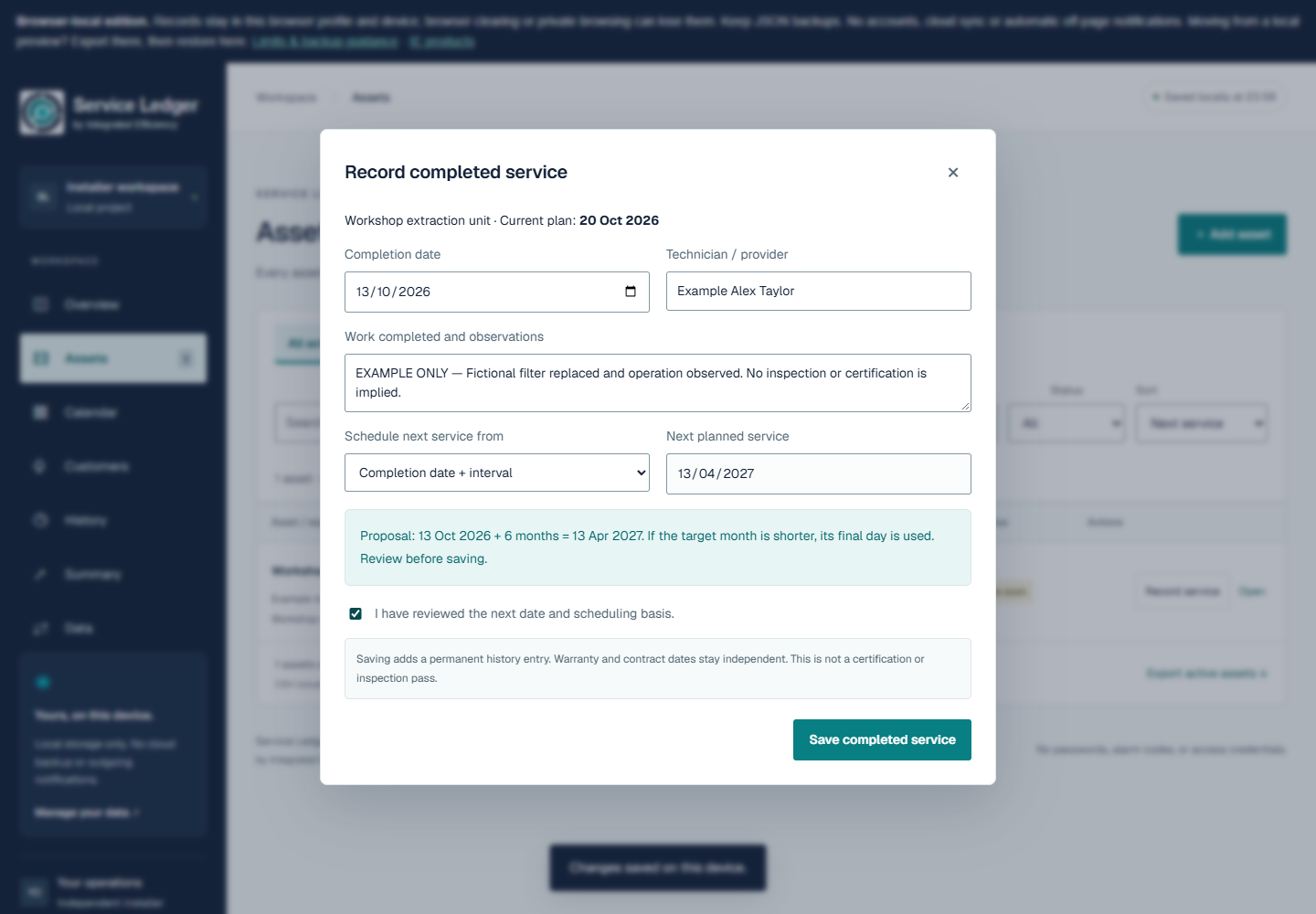
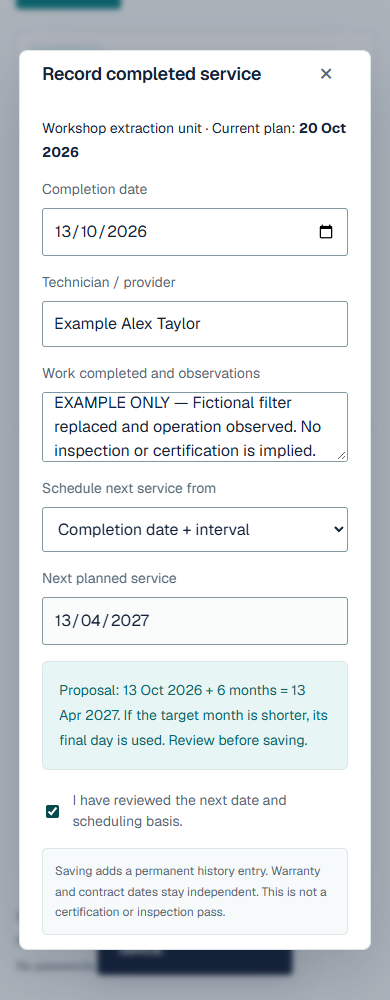
Review the service entry — actual application output with fictional data

Recorded history

Actual chronological history for that asset. Entries are not editable in the app; this is not a cryptographic or tamper-proof history claim.
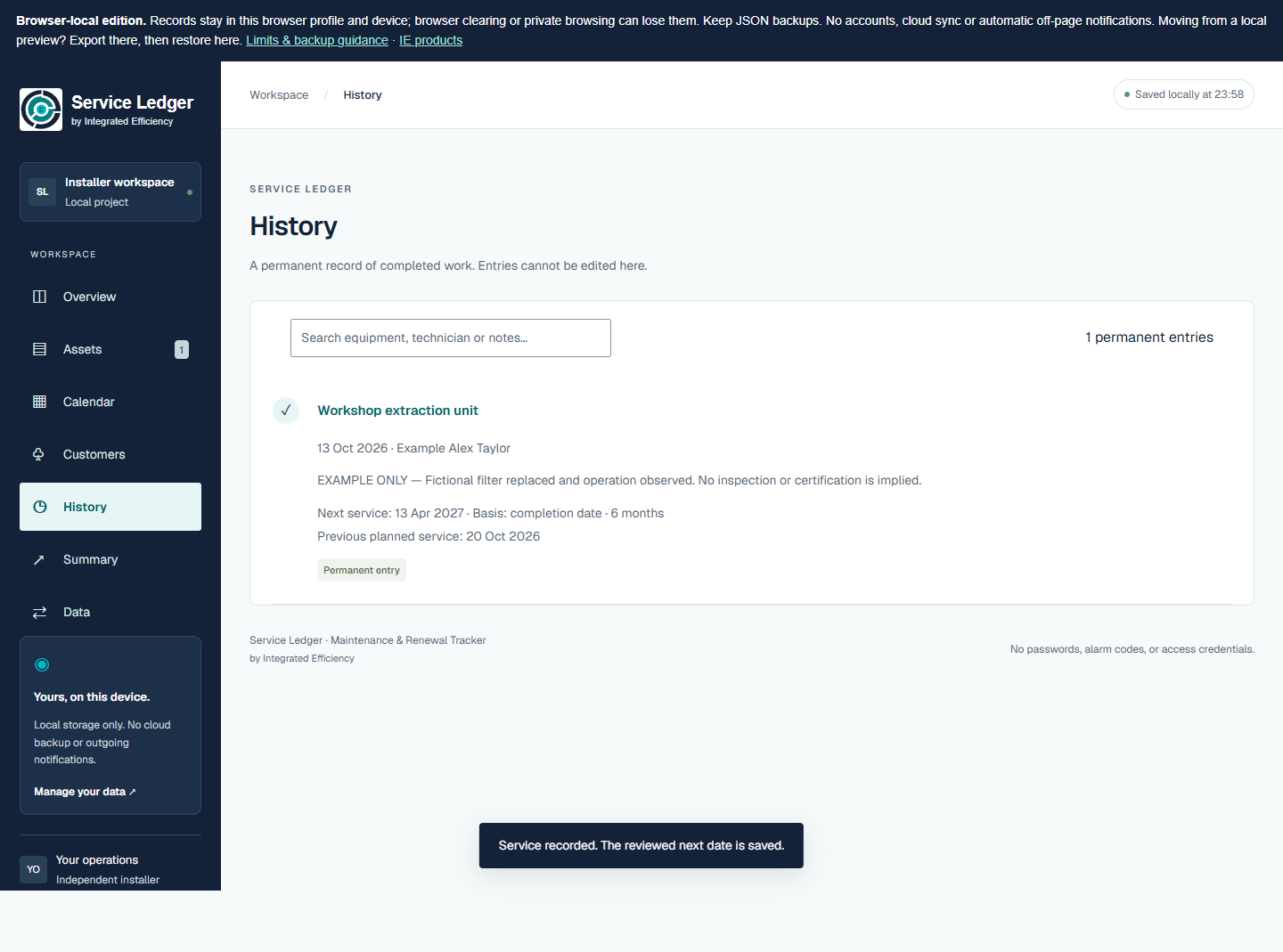
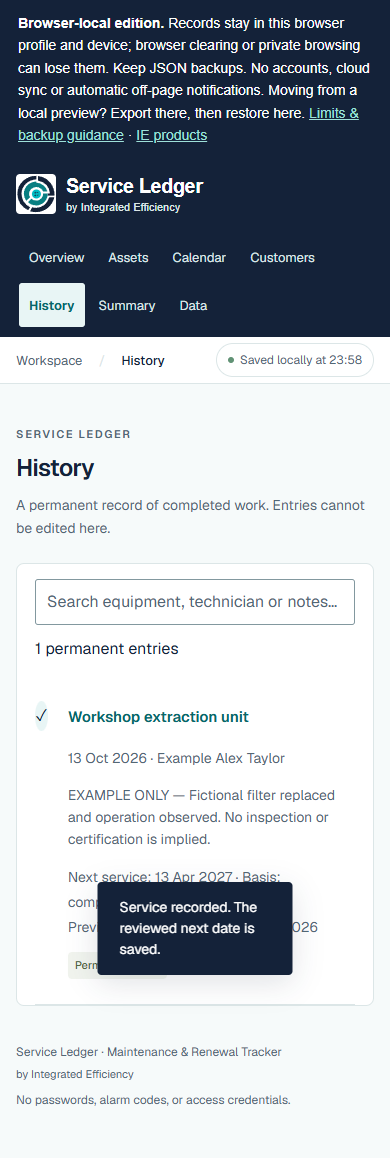
Recorded history — actual application output with fictional data

Customer Summary

Actual built-in Summary screen. Its Print / save PDF control uses browser printing; this website provides screenshots and the app’s native asset CSV, without a converted PDF.
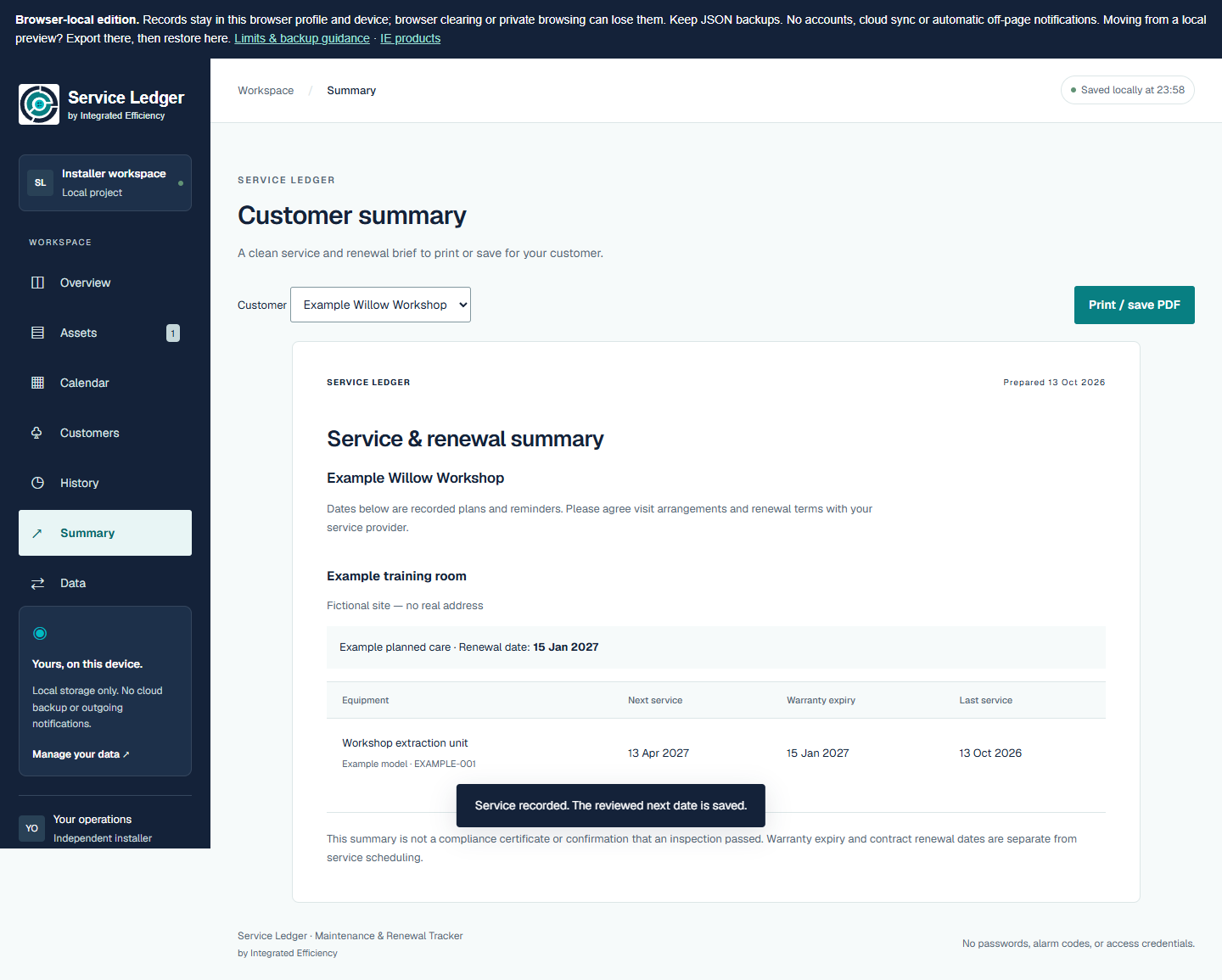
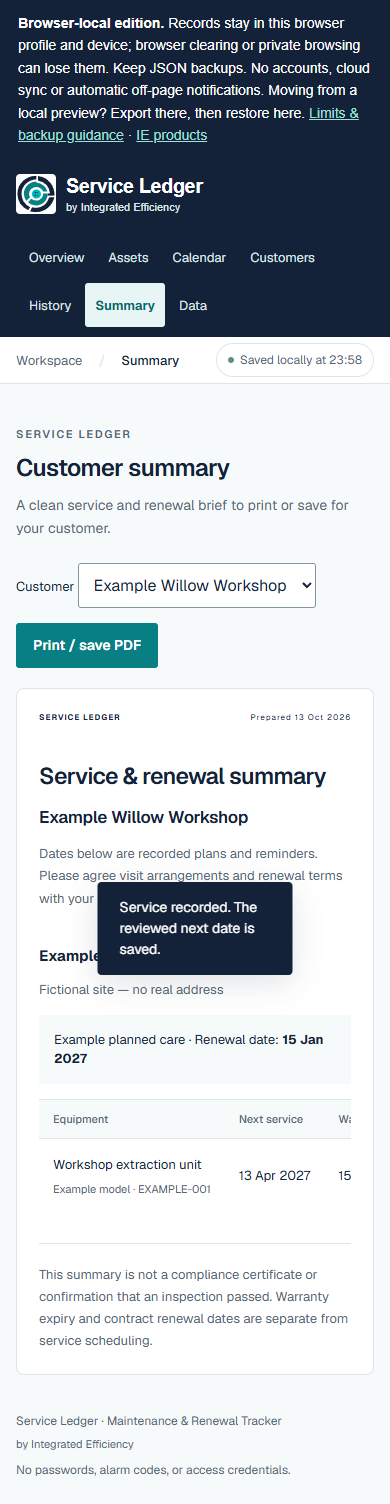
Customer Summary — actual application output with fictional data